How much does Notifly cost?
You can start for free: the Free plan is 0 ₽ with 1,000 events per day, and sign-up requires no card. Pro costs 299 ₽ per month, Business — 999 ₽ per month. Every feature is available on every plan; only the limits differ: events per day, devices, status pages, AI requests, port scans and screenshot storage. An event is a single action: a message sent, a monitor check, a heartbeat ping.
Learn more: Quotas and plans
How do I pay for a paid plan?
By bank transfer against an invoice. Write to support@notifly.ru with the plan you need (Pro or Business), the period and your account email — we will reply with an invoice and bank details. Pay it, putting the invoice number and your account email in the payment reference. Once the payment arrives, the operator switches your account to the new plan and lets you know. Card payment is not available yet.
Learn more: Quotas and plans
How is Notifly different from a Telegram bot?
Notifly is a single API and message history with priorities, monitoring and metrics. Push reaches the app and the browser instantly, and if a message isn't read, Notifly re-sends it by email, SMS, a phone call, to Telegram, Slack, Discord, Microsoft Teams, Mattermost, PagerDuty or Opsgenie. Telegram is just one delivery channel, not the whole system.
Do I need my own server or infrastructure?
No. Notifly is a SaaS: no workers, no queues, no backend of your own. A single HTTP request (even curl) is enough to deliver a message.
Which integrations are supported?
Inbound: REST API, WebSocket, Email Inbox (an address like <alias>@in.notifly.ru), a Webhook router for GitHub, GitLab, Bitrix24 and any other webhooks, native receivers for Prometheus Alertmanager, Grafana and Zabbix, WebScript for websites, a CLI and an MCP server for AI agents. Outbound: email, SMS, phone call, Telegram, Slack, Discord, Microsoft Teams, Mattermost, PagerDuty, Opsgenie and a custom webhook.
Where do I receive notifications?
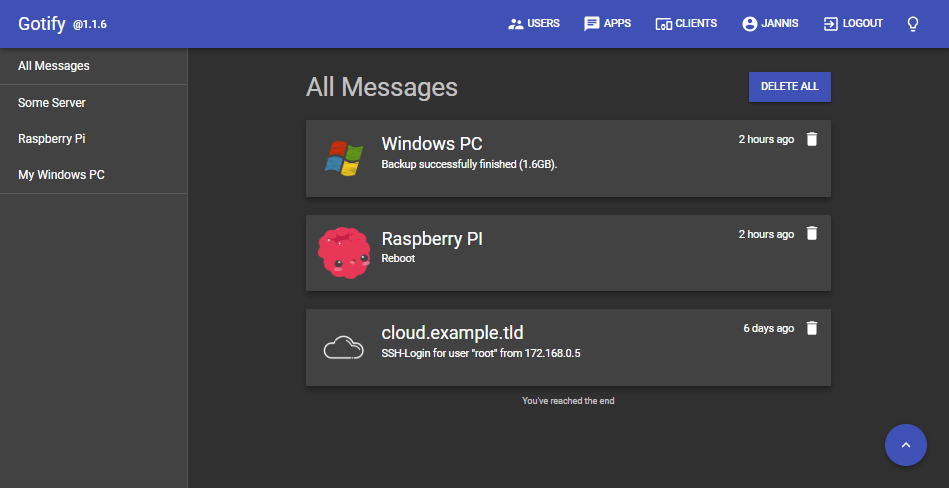
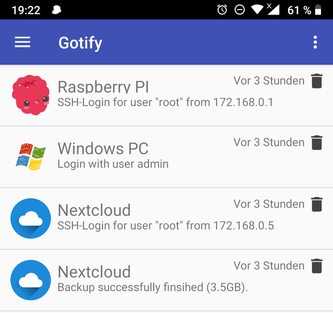
In the Android app (push to the shade within a fraction of a second, with “Read” and answer buttons), in the web dashboard — while its browser tab is open — and in any MCP client. Anything left unread goes further along the escalation you configure — by email, SMS, a phone call or to team chats. The Android app is distributed as an APK from the website.
Learn more: Android app · Delivery & escalation
Is there an iPhone app?
Not publicly yet: the iOS client is not published on the App Store or TestFlight — it can only be built from source, and it shows notifications only while the app is open. If you use an iPhone, set up escalation to SMS, a phone call or Telegram so important messages still reach you, and use the web dashboard in your browser.
Learn more: iOS application · Delivery & escalation
Why didn't a notification arrive?
Check in order: is the device connected and active (the “Devices” section of the dashboard); is the channel muted on that device; are quiet hours or a maintenance window in effect right now; is the daily event quota used up. On Android the most common cause is battery optimisation: turn it off for Notifly so the system does not kill the app.
Learn more: Channels & devices · Quiet hours · Maintenance windows · Quotas and plans · Android app
Will Notifly wake me up at night over trifles?
That's what quiet hours are for: during the window only urgent messages (priority at or above the threshold) are escalated, and the rest arrives in the morning as a single digest. For planned work, create a maintenance window — monitors keep checking, but alerts and escalation are held back and the status page keeps its uptime.
Is it secure? Where is my data stored?
Access to every channel is protected by a token, API tokens are limited by channels, tags, access level and expiry, and channels can be shared with limited permissions. Sign-in is protected with a second factor: a TOTP app, sign-in approval from your phone and recovery codes. Account data and messages are stored in Yandex Cloud data centres in Russia; ainotifly.com only runs its public edge (API, ingestion, WebSocket) on AWS. Messages go to external services (Telegram, Slack and others) only if you connect them yourself.
Learn more: Account security · Privacy Policy